Find companies
- Input
- ICP, geography, exclusions, and domain clues.
- Output
- A candidate company and canonical domain with source context.
Limit: a company match does not prove contact relevance or buying intent.
See a discovery example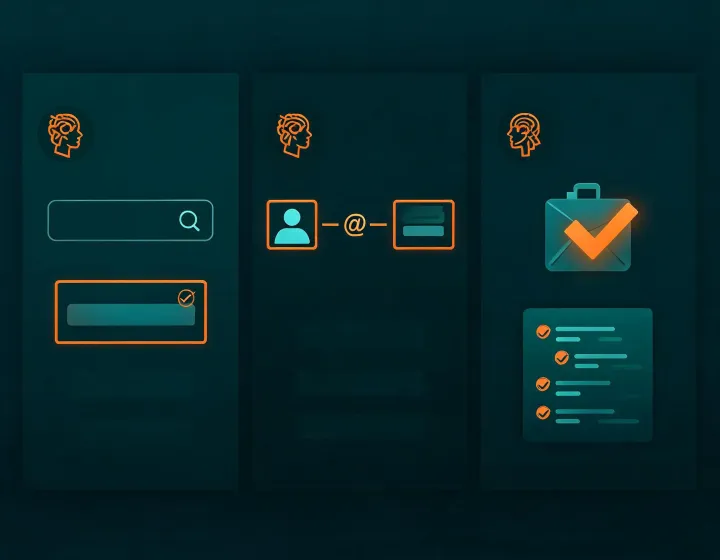
Email finding and verification in your agent
Hunter.io turns a domain, person, or company brief into a reviewable email-finding task. It separates pattern inference from mailbox verification, labels catch-all and unknown states, and leaves activation to a human.
Four-state runbook
npx -y @okki-global/okki-go-taroballPrerequisite: a terminal you control. Success: the exact command is on your clipboard. Common error: copying a prompt symbol. Next: inspect before running.
Prerequisite: a supported Node runtime. Success: the package completes without an unresolved runtime error. Common error: blocked package access. Next: review requested permissions.
Prerequisite: approved provider credentials. Success: secrets remain in the runtime secret store and the smallest required scope is active. Common error: pasting a key into a prompt. Next: use known test records.
Prerequisite: a controlled domain and contact cohort. Success: identity, pattern evidence, source date, verification state, and exclusions are visible. Common error: treating unknown as valid. Next: human review.
Evidence grid
Limit: a company match does not prove contact relevance or buying intent.
See a discovery exampleLimit: an inferred pattern is not a verified mailbox and never proves consent.
See a role workflowLimit: provider responses change; catch-all and unknown require cautious handling.
Review the methodLimit: sending stays disconnected until suppression, opt-out, regional policy, and human approval pass.
Read the safety FAQCategorized FAQ
It copies only the required command. You still choose where to run it, inspect package behavior, and approve any requested access.
Use a runtime secret store with minimum scope. Never place keys in prompts, screenshots, repositories, exported results, or support messages.
No. Discovery, pattern inference, and verification are separate states. Preserve the evidence and observation date for each.
Do not convert either to valid. Keep the state visible, apply your risk policy, and require human review before any permitted outreach.
No. Sender reputation, SPF, DKIM, DMARC, content, recipient controls, and provider behavior all affect delivery.
Research and drafting should remain separate from activation. Check relevance, suppression, opt-out language, regional requirements, and appoint a human approver.
npx -y @okki-global/okki-go-taroball